 Elutrace
Free
€0
Inspect one measurement.
- One successful upload per account
- Chromatogram and raw-spectrum viewing
GC–MS analysis workspace
Follow a chromatogram peak back to its scans, compare the mass spectrum with a reference and record what the evidence supports.
Inspect one measurement free. No payment details required.
Access is currently by invitation.
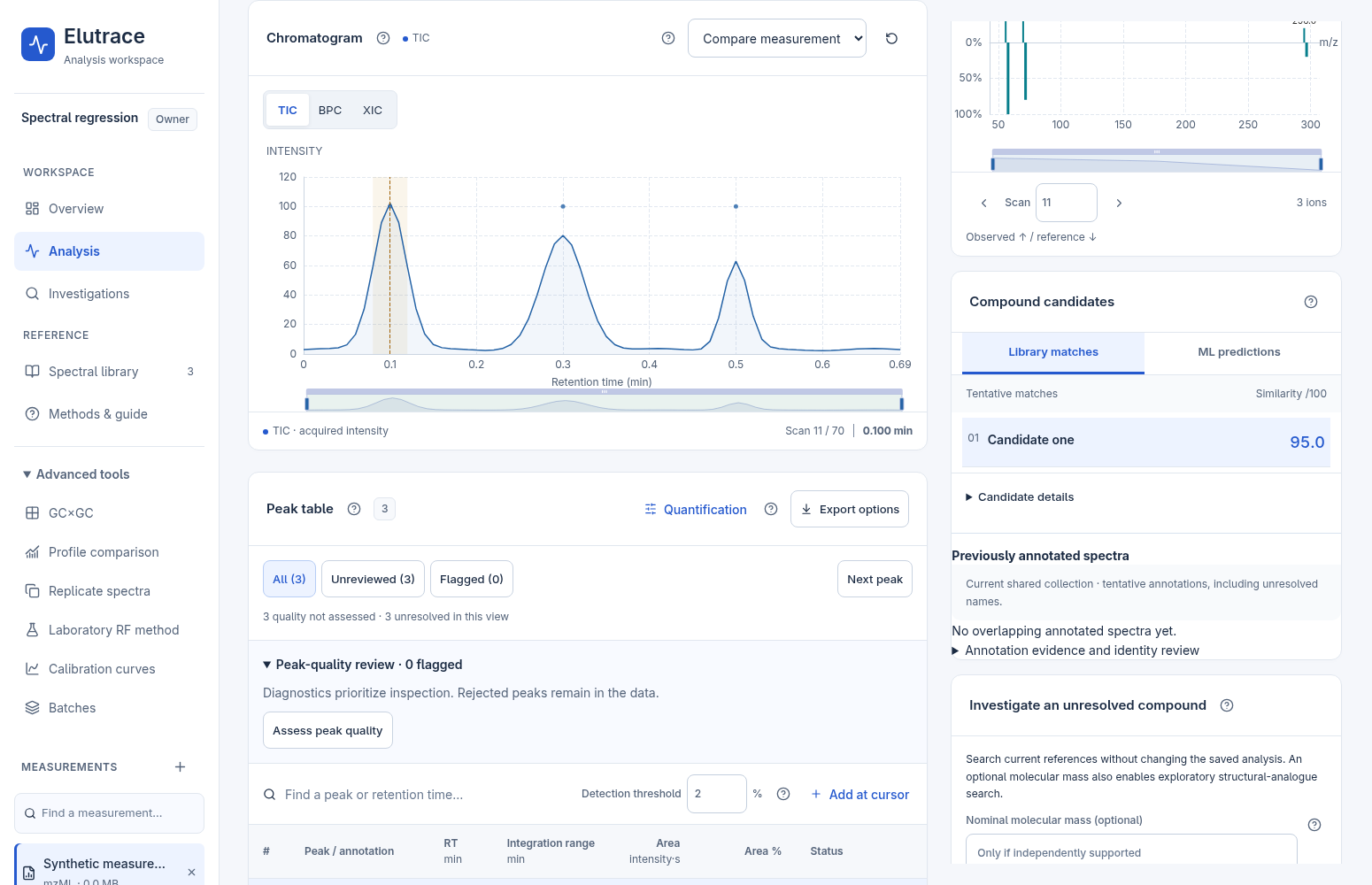
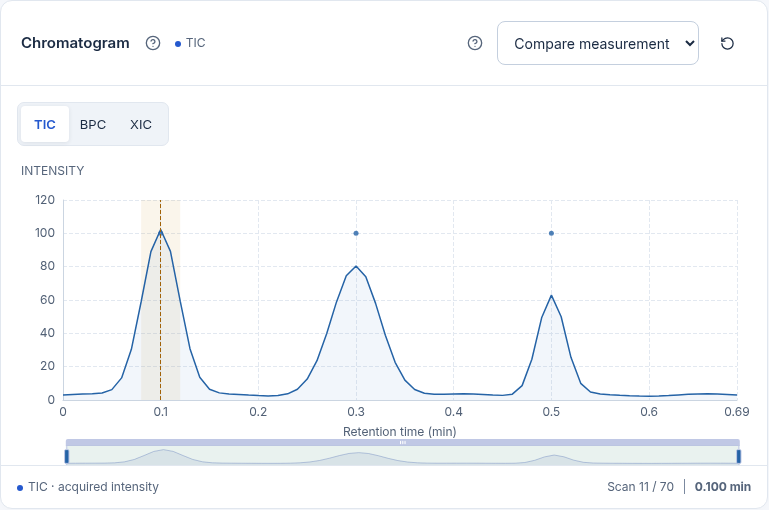
Follow the peak at 0.100 minutes through a synthetic measurement.
Select a peak to see which scans fall inside its integration window. Switch between the raw scan and a deconvolved component to examine the ions behind the peak.
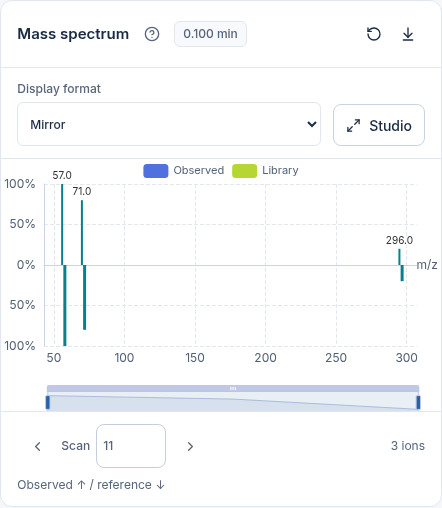
Line up the component spectrum with a library candidate in a mirror plot. Look for ions present in both spectra and fragments that only appear in one.
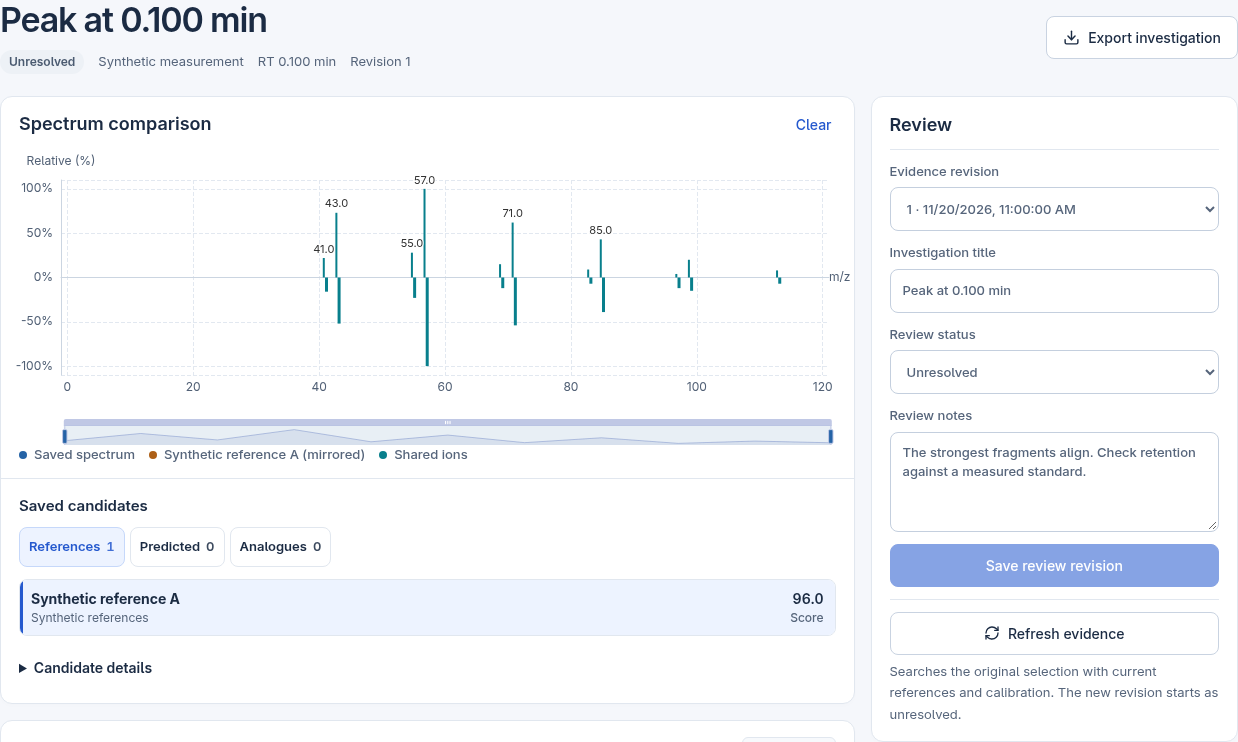
Save the spectrum as an investigation. Compare reference candidates, record why the peak is still unresolved and revisit the evidence when a measured standard becomes available.
Each saved review has its own revision. Reopen an earlier revision to see or export the evidence behind that decision.
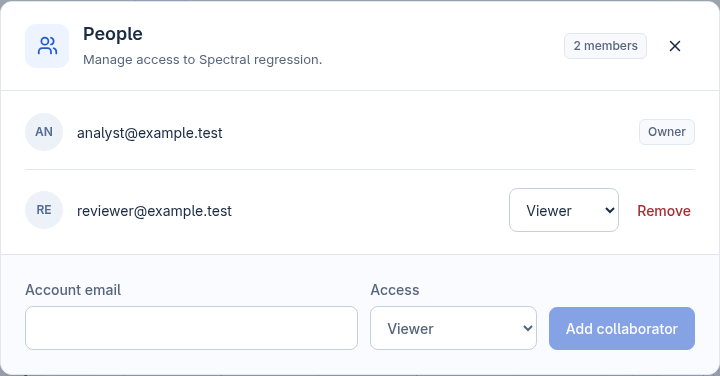
Invite a viewer to inspect the result or an editor to help review it. Save a known standard with its measured spectrum and choose which labs can use it.
Register with your email address and follow the confirmation link to open your workspace.
Use your invitation link to set a password and open your workspace.
Create a private project and add a supported Thermo RAW or mzML file. The Free plan includes one measurement upload.
Select a point on the chromatogram to read the ions acquired in that scan. Explore the plans below for deconvolution, library matching, quantification and exports.
Sign in to try these plans in Stripe’s sandbox. Sandbox payments are simulated.
€0
Inspect one measurement.
€25/month
For an individual analyst.
/month
Example for two paid analysts.
€25 for the first analyst, plus €20 for each additional analyst per month.
Monthly prices exclude VAT. Commercial spectral libraries require separate access.
Upload supported Thermo RAW files or mzML (including mzML.gz) for spectral analysis. Chromatogram CSV and TSV files support trace inspection and integration. Spectral analysis requires a file with mass spectra.
One successful measurement upload per account, with chromatogram and raw-spectrum viewing. Deleting the file does not renew the allowance. Processing, library matching, quantification and exports require a paid plan.
Projects are private by default. The owner can invite other Elutrace users as editors or viewers. Viewers can inspect shared results without changing the analysis.
No. Library matches are tentative candidates for review. Elutrace similarity scores are independent cosine scores, not NIST match factors or identification probabilities.
Choose and manage plans from your account. Payment details, invoices and cancellation are handled through Stripe; a cancelled plan stays active until the end of the paid period.
Yes. Save the spectrum and compare reference candidates, predicted spectra and structural analogues. With NIST access and the experimental prediction service available, you can also rank ten candidate structures from a single electron ionization (EI) spectrum. These are hypotheses for review.
Elutrace currently supports GC–MS workflows. LC–MS is planned for a future release.
Create a free account and inspect your first measurement in minutes.
Sign in with your invitation to open your workspace.